Endgame Viable
Demonstrating the Blog Post-Processor
Tom 661 words
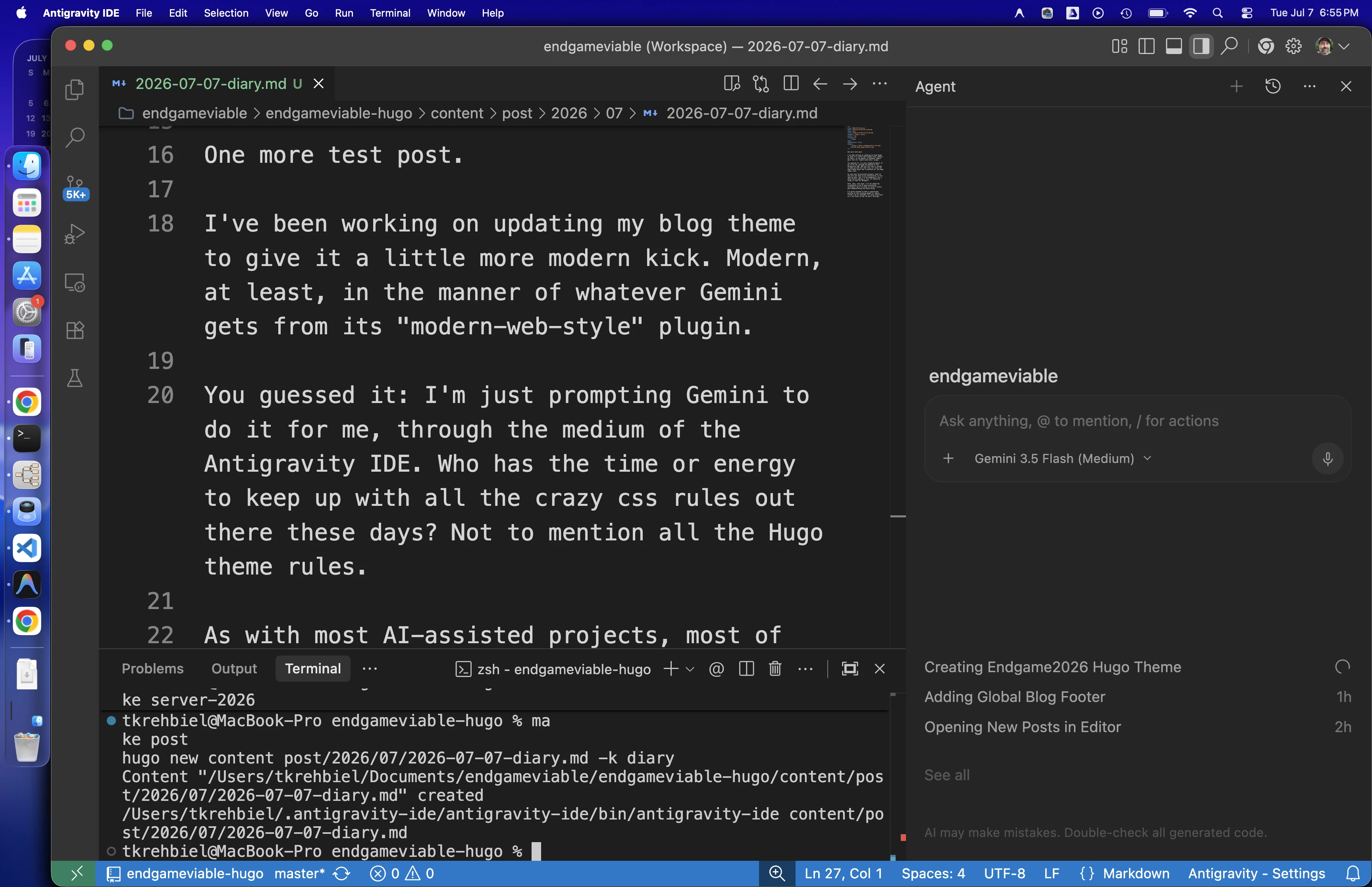
Aw screw it, I’ll make this post tonight too, since I’m on a roll right now. This is how I’ll be able to write a post a day for Blaugust.
For reference, here’s the post referenced in these screenshots.
I start a blog post by typing this:
make post
The new post opens within the Antigravity IDE editor and I start typing Markdown until I’ve had enough. That and only that is the part that I find fun about blogging.
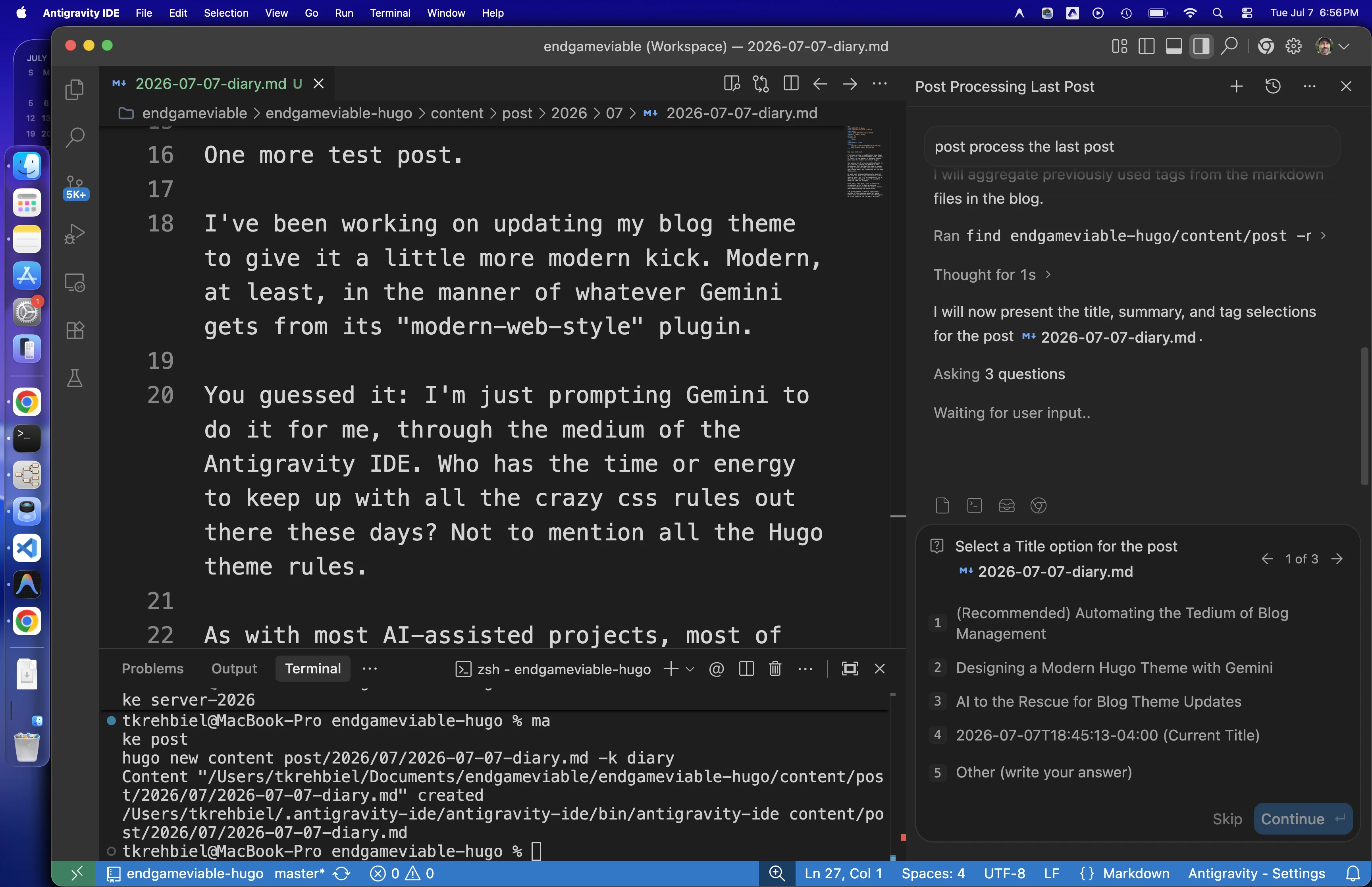
Then I go over to the Agent chat on the right and type:
post process the last post
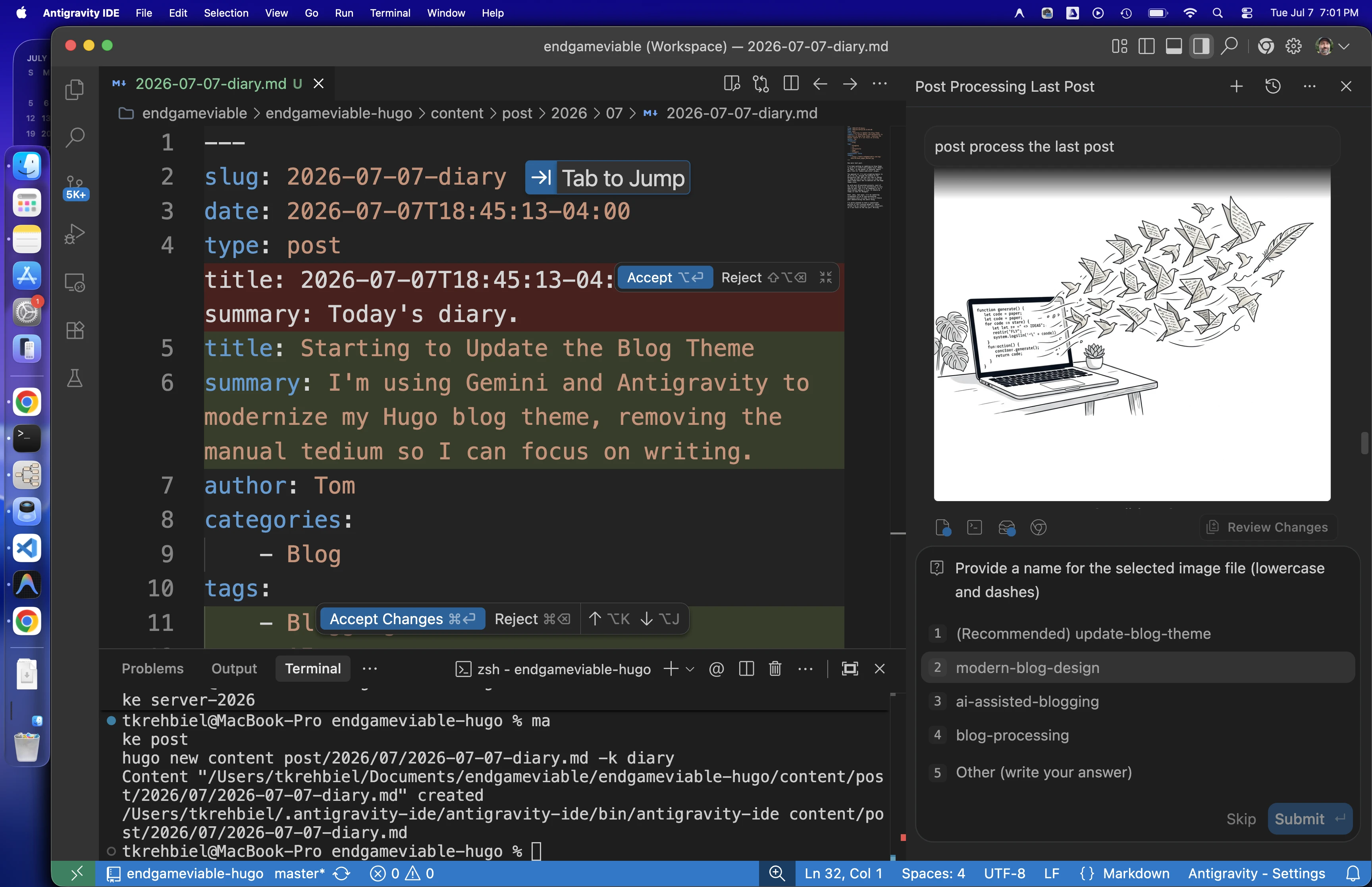
That triggers the AI skill I wrote today. Then I answer a series of questions about metadata. First it gives me a selection of three different titles to choose from. In this case the choices sucked so bad that I typed in my own.
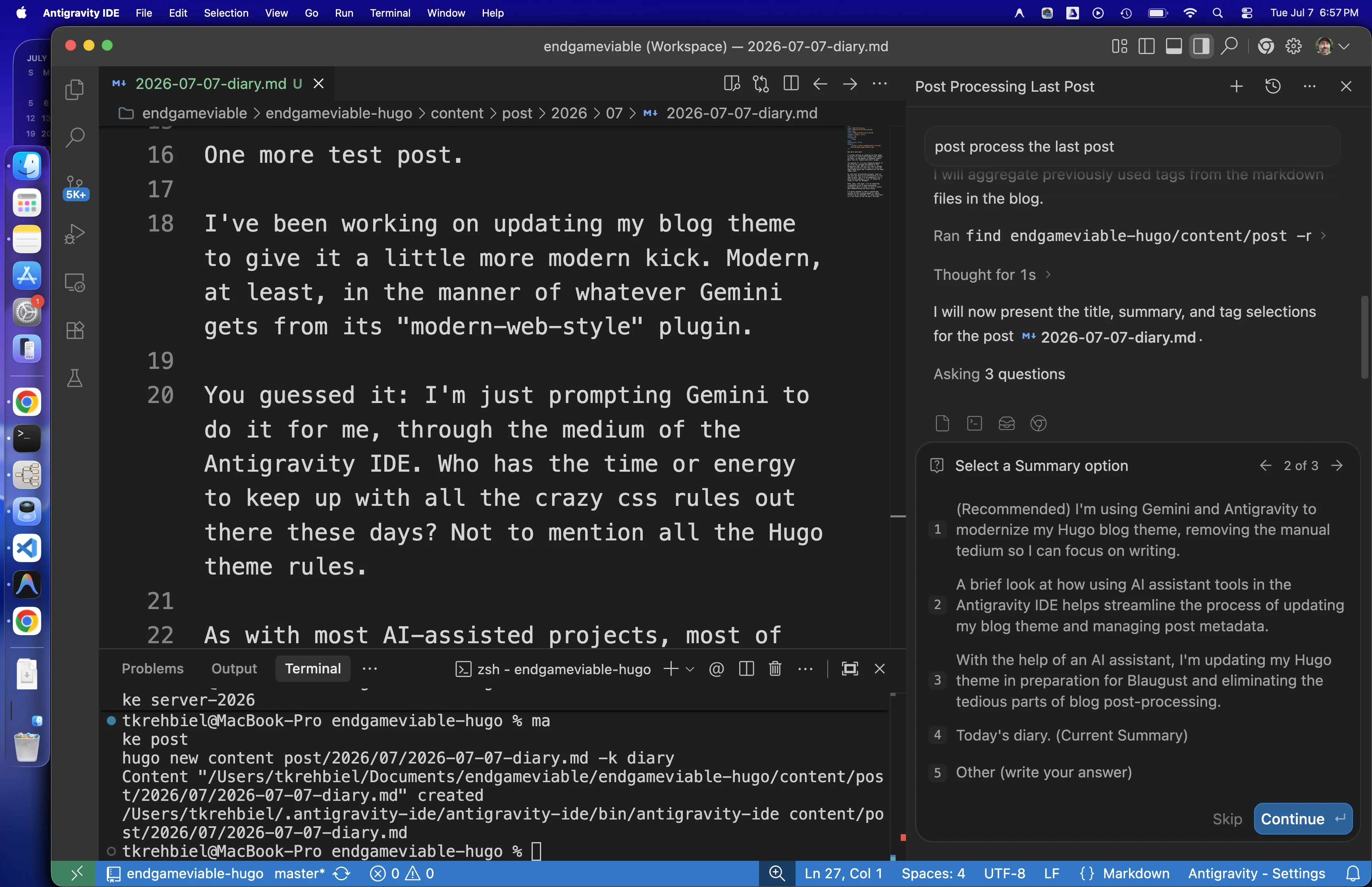
Then it generates three summaries and asks which one I like. I didn’t like any of them, but the first one was good enough and I could trim off the irrelevant bit at the end.
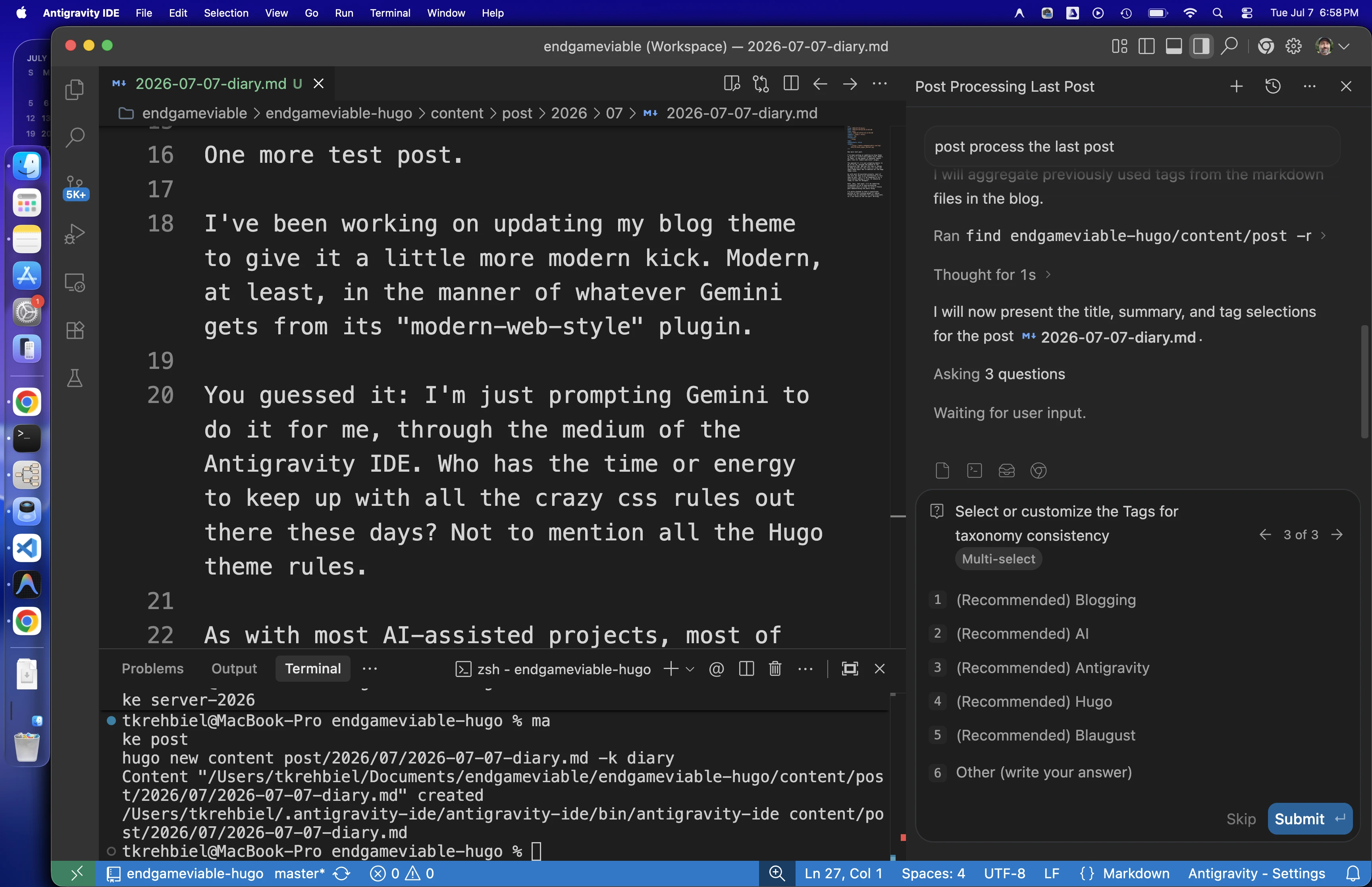
Then it asks which tags I want to use for the post. It selects from among relevant tags already used by the blog, or suggests new ones if none fit. These were fine.
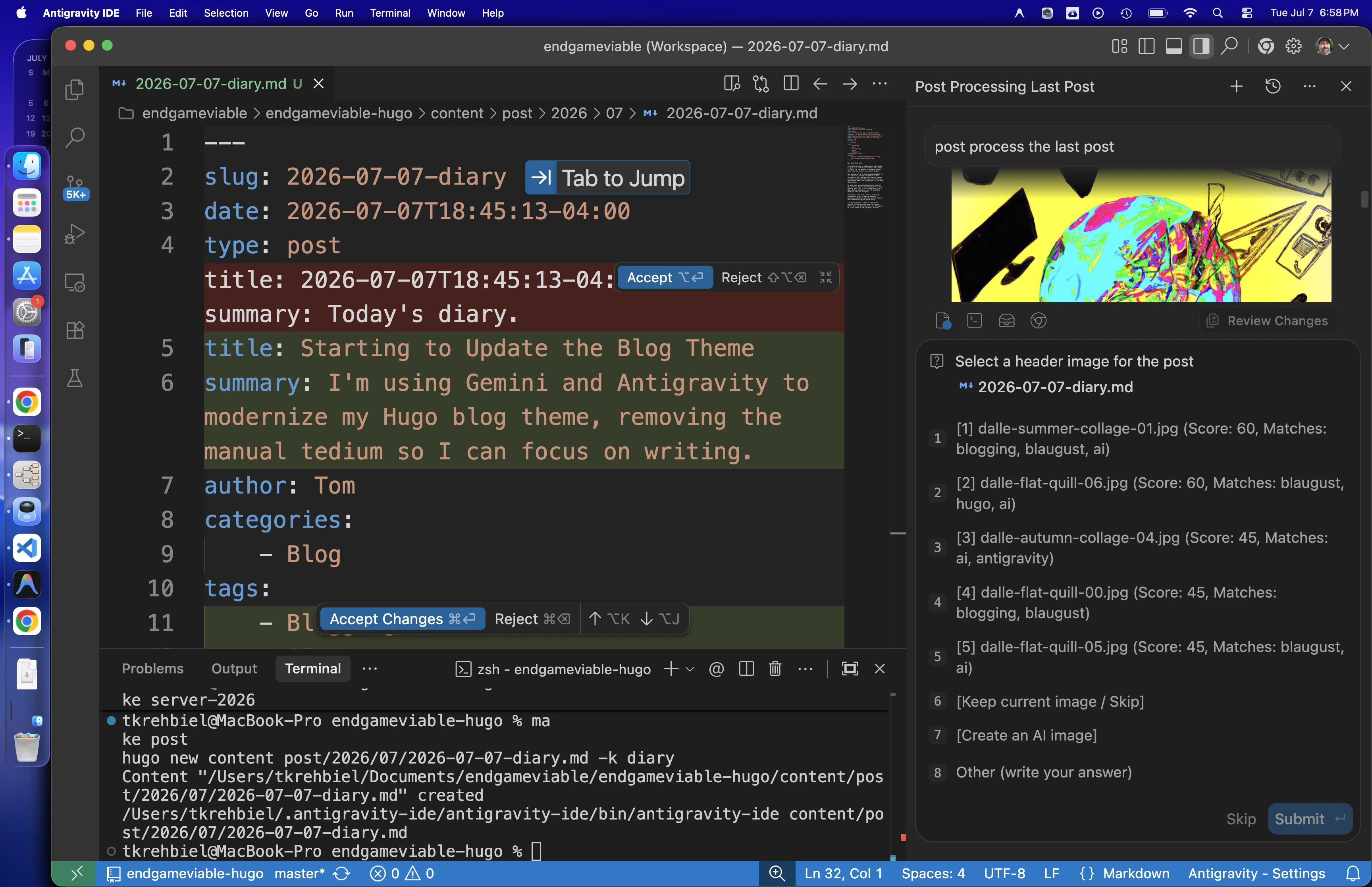
Then the really time-saving part. It takes those tags and some keywords from the post and searches my existing image library for anything that might work for the post. It keeps picking the same DALL-E images that I reserve for my Recluse Reports so I told it to generate a new one.
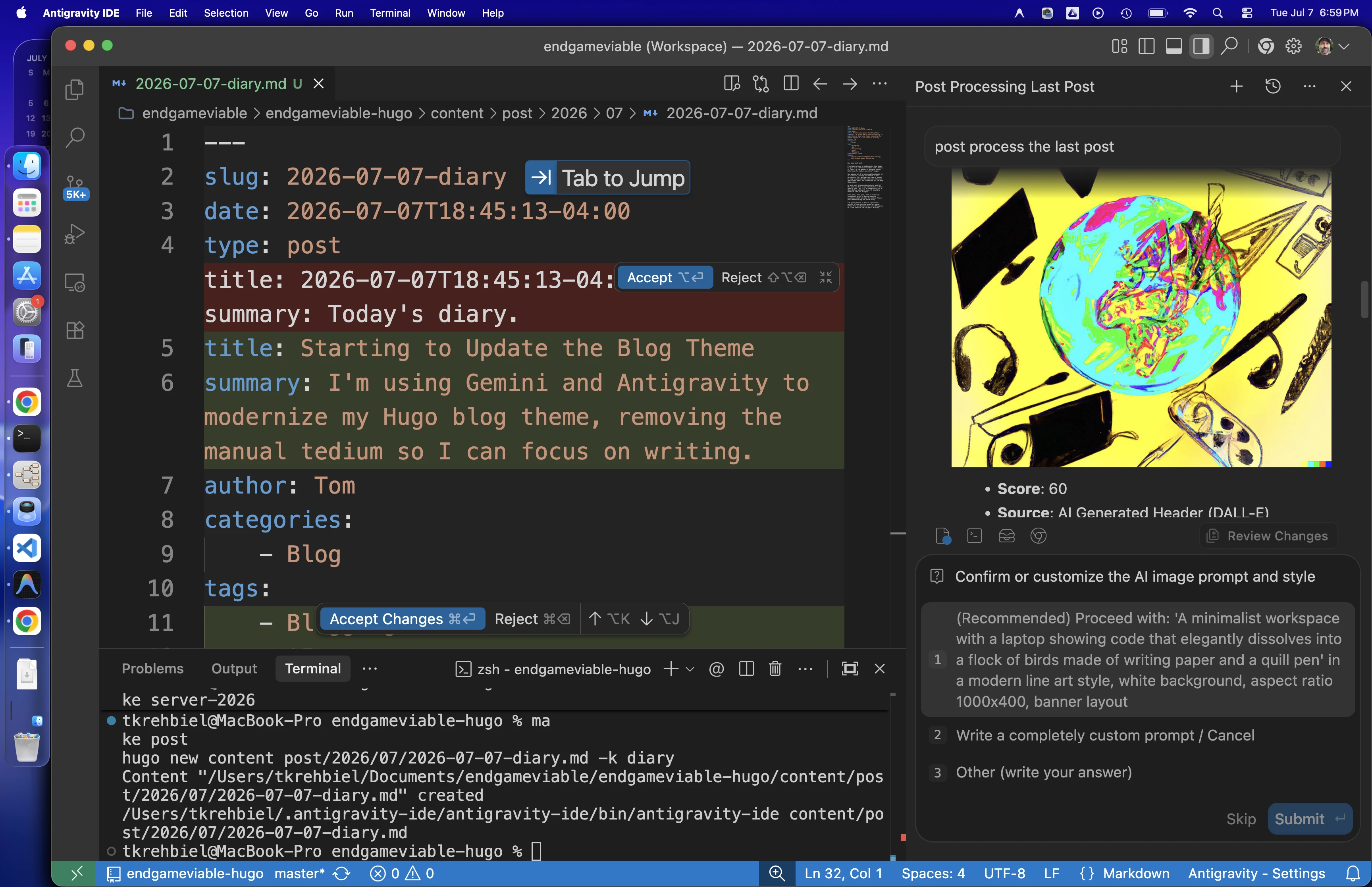
Then it writes a prompt for what it thinks the blog header image should look like. So far it thinks every blog image should be a picture of a computer doing something. The skill constrains it to 1000x400, white background, and modern line art. I can put in my own prompt if needed.
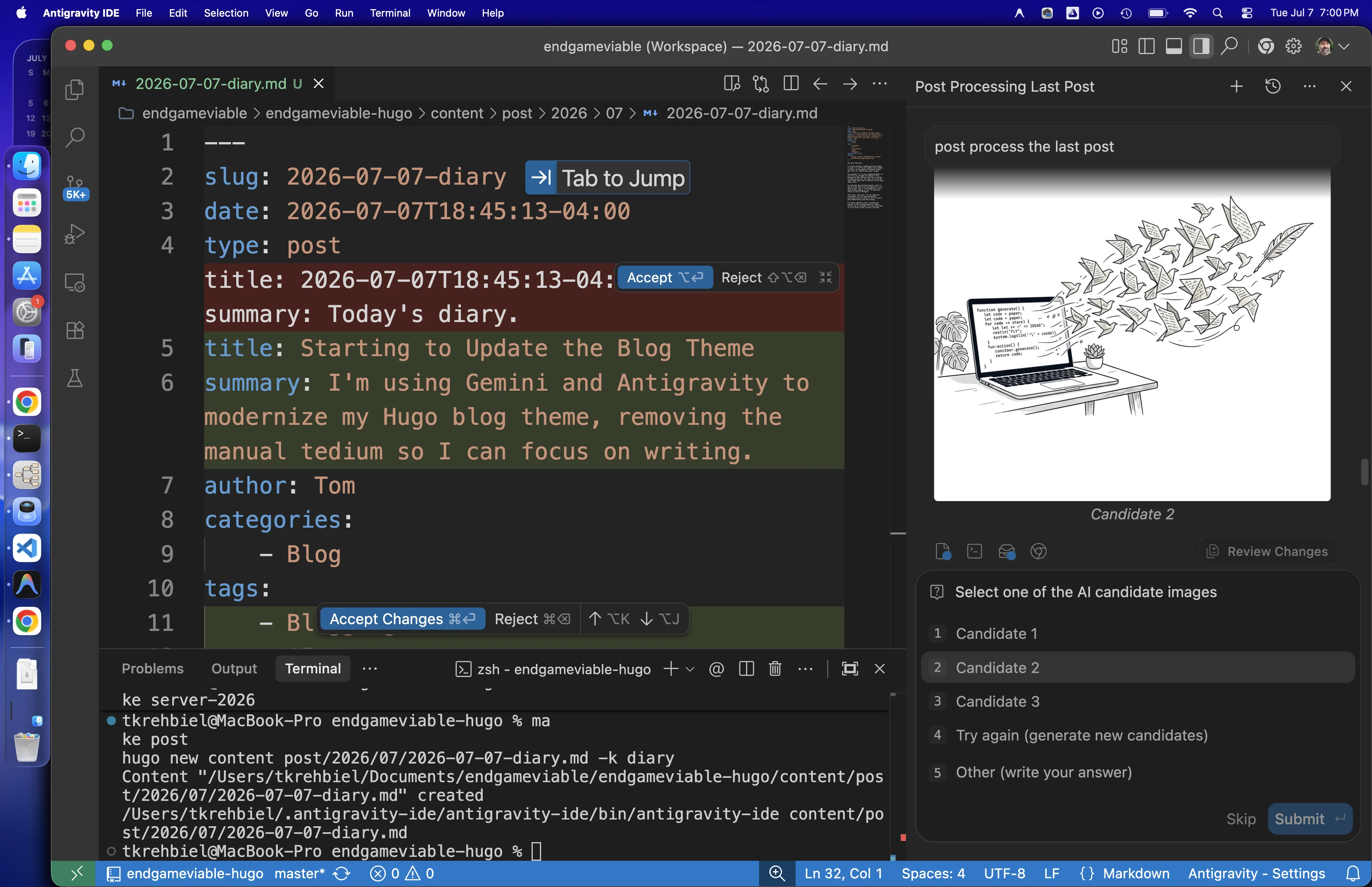
After approving the prompt, it generates three possible images and asks which one I like. They all look pretty silly to me but hey, “mediocre” is “good enough” in this new-fangled world we live in. I picked the one that looked like it would crop the best. AI always generates a square image and they’re cropped to 1000x400.
Then it asks what to name the new image in my library. It makes some guesses or I can type something in. It will file the image in the correct folder by year and month, which is my media library filename convention. It will also convert to webp and crop to the right size.
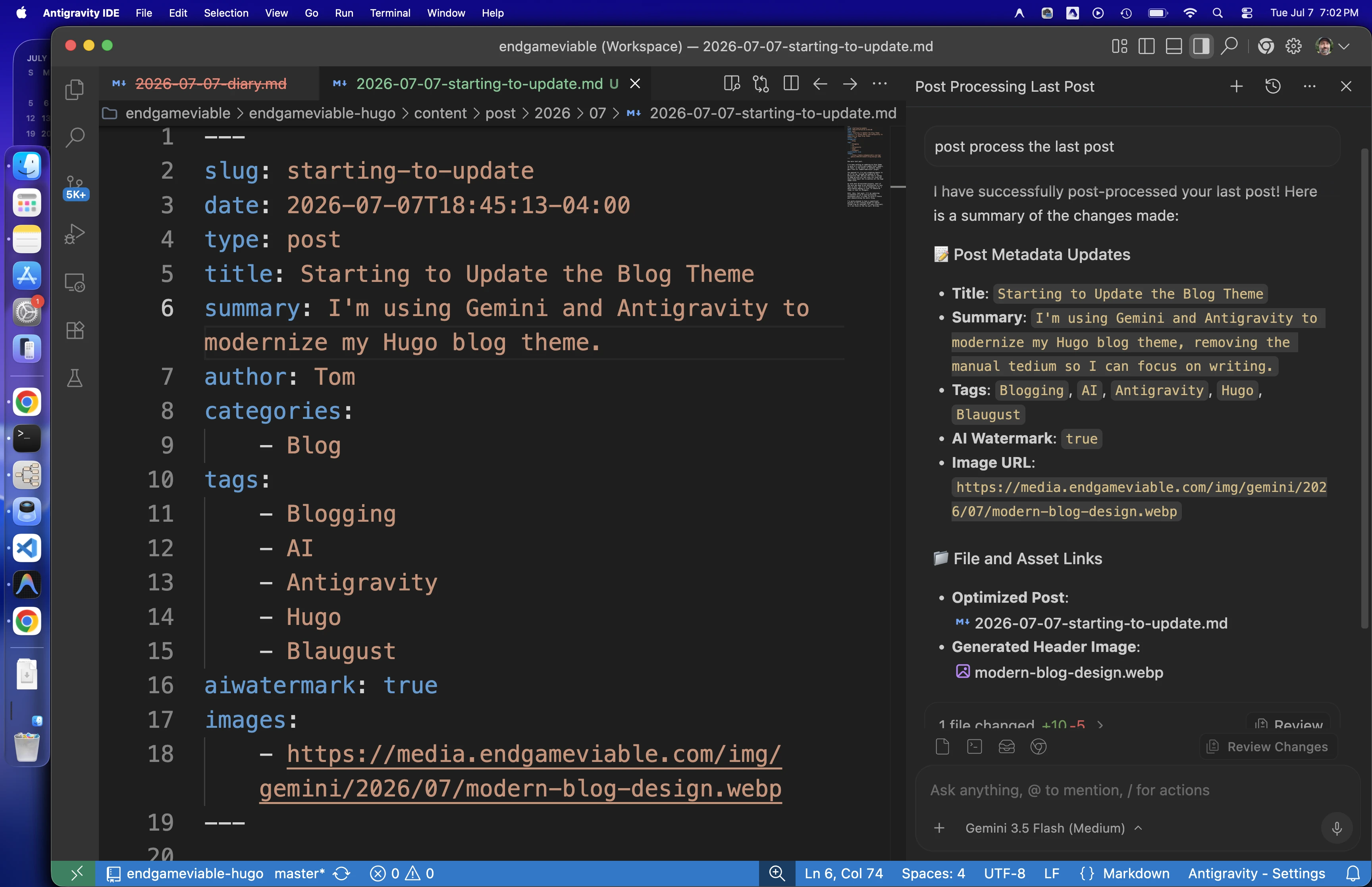
When it’s done it gives me a summary of what it did. It also renames the temporary post filename to the final blog post filename. Here we can see all the updated metadata that I hate to write.
When all that’s done, I run the following to upload the new image to my S3 bucket on AWS so it’s available to link in posts.
make sync-images
For someone used to a blog hosting service, that probably sounds like a shocking amount of work for one blog post. But if you’re building a static blog from a local directory full of Markdown posts, it’s a huge time and energy saver.
I even used AI to do all the tedious bits of starting this very blog post.
Can you locate and list any screenshots taken in the last hour?
Copy all those screenshots to the endgameviable-media/2026/07 directory and convert them to webp, and rename them to antigravity-post-processing-{num}.webp with a sequential number for each one, in datetime order.
From the project endgameviable-hugo directory, I want you to run “make diary” and in the body of the new post, which will be in project dir endgameviable-hugo/content/post/2026/07, embed all of those screenshots using the {{< cloudimg >}} shortcode. The image src will start with 2026/07.
AI is absolutely fantastic at doing the tedious bits and I’ve never understood why anyone would think that’s the slightest bit controversial or arguable.
Sorry, new comments are disabled on older posts. This helps reduce spam. Active commenting almost always occurs within a day or two of new posts.