Endgame Viable
Turning Off Editor Suggestions in Antigravity IDE
Tom 270 words
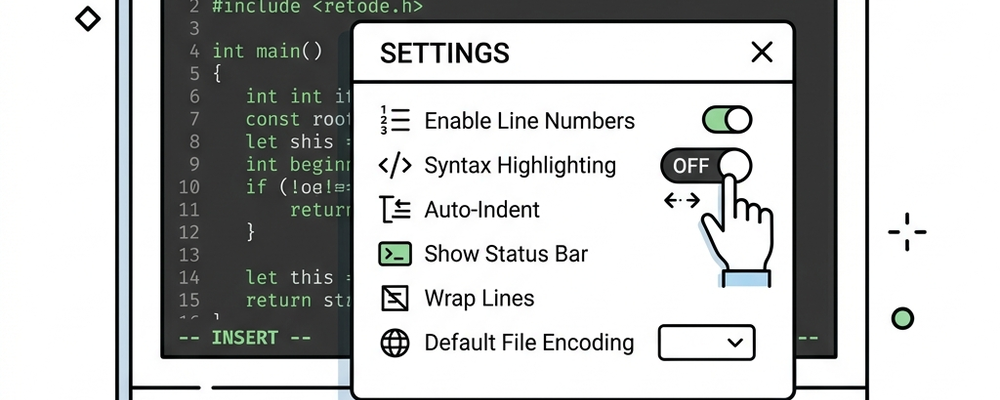
I can now reveal that the extremely annoying auto-writing “feature” of Antigravity IDE can be turned off when working with a plain Markdown (or any text, presumably). Go to the lower right corner of the IDE, click on Antigravity - Settings, and turn off “Suggestions in Editor.”
This knowledge will allow me to continue writing blog posts within Antigravity IDE, as opposed to switching editors back and forth.
For the purposes of this post, it means I can continue testing my AI metadata workflow.
I’m generally happy with it now, however the UI for AI skills is rather primitive. It’s a throwback to the 90s when every UI was a command-line UI where the computer would ask you a question, give you a list of options, and ask you to type the number of the option you wanted to do. Yuck.
Believe it or not, some people in technology still prefer to work that way. I work with some people who are avid Linux command-line folks, and a UI like that is entirely natural to them.
Interacting with AI agents is mainly done through a chat-style interface, so it’s basically like a command-line interface, so those really old-school UI conventions are back again.
I wonder if I can get Gemini to write a program to give me a windowed UI instead.
The answer is: Kind of. It suggested using the native “ask_question” feature, which is a slightly improved UI within the chat window interface.
There’s one other thing I want to fix in this AI skill (a permissions issue with file copying), which may necessitate yet another test post later.
Sorry, new comments are disabled on older posts. This helps reduce spam. Active commenting almost always occurs within a day or two of new posts.