Endgame Viable
Where Are Your Screenshots?
Tom 825 words
I have no idea anymore.
I went looking for a Final Fantasy XIV screenshot of a scene that I vividly remember from what I thought was Heavensward but was actually from the post-credits part of A Realm Reborn, before Heavensward.
The only problem is, my gaming PC currently has almost no screenshots on it. It only has the screenshots I’ve snapped since last year, which isn’t very many. I rarely take screenshots anymore, since I now record videos.
Where are the rest of my screenshots? The ones going back to the dawn of MMORPGs?
Um…. good question.
I’ve put various backup directories on my NAS, and I found an assortment of screenshots from a RoboCopy backup system I setup many years ago. There I found screenshots from the 2016-2021 range.
I found a 2013 PC backup directory with RIFT and ArcheAge screenshots in it.
I found a bunch of screenshots on imgur, where I cross-posted screenshots with ShareX for a time. There’s over 4,000 screenshots on imgur. Many of them are probably duplicates, but who knows? Luckily they have a button to download all of your images, though their names are useless.
What about World of Warcraft? They always had this pesky thing where they put their screenshots in the Program Files directory, and I almost never backed up my Program Files directories when changing PCs.
It’s a mess. They are scattered across a wide variety of directories on many different PCs, old and new.
I never found the exact screenshot I was looking for, which I’m 100% sure I took and looked at afterward, because it was a pretty vivid screenshot. I may have even posted it in a blog post, but I never found it in the blog image library, either.
I ended up having to launch Final Fantasy XIV and go into the Unending Story, look up the exact quest, and replay the cut scene to take a screenshot of the scene I wanted.
The point is, it may be time to get AI to organize all of my screenshots, if I can even find them. Prompt: “Help me find and organize my game screenshot directories. They are buried somewhere in backup directories on this NAS. Copy them into a coherent new directory structure.”
Later…
I didn’t use that exact prompt, but something like it, to get Antigravity to crawl through three different PCs for directories containing screenshots. I made a list of all files with an image extension, and extracted those directories.
Then I looked through them and marked which of those directories looked like screenshots. I ended up with a big list of screenshot directories across three different PCs.
| Rank | Image Count | Directory Path | Source File(s) | Sample File |
|---|---|---|---|---|
| 1 | 2,848 | D:\Documents\My Games\FINAL FANTASY XIV - A Realm Reborn\screenshots\2017 |
MSI17_D.txt |
ffxiv_01032017_212606.jpg |
| 2 | 2,627 | D:\Documents\My Games\FINAL FANTASY XIV - A Realm Reborn - Copy\screenshots |
MSI17_D.txt |
ffxiv_01032017_212606.jpg |
| 3 | 1,528 | C:\Users\Tom\Documents\My Games\FINAL FANTASY XIV - A Realm Reborn\screenshots |
MSI21_C.txt |
ffxiv_07122021_180108_324.png |
| 4 | 1,301 | C:\Users\Tom\Pictures\SteamScreenshots |
MSI21_C.txt |
1063730_20210928073825_1.png |
| 5 | 572 | D:\Program Files (x86)\World of Warcraft\_retail_\Screenshots |
MSI17_D.txt |
WoWScrnShot_072318_160540.jpg |
| 6 | 543 | D:\Documents\RIFT\Screenshots |
MSI17_D.txt |
2016-08-22_205213.jpg |
| 7 | 472 | C:\Program Files (x86)\Steam\userdata\11690842\760\remote\1245620\screenshots |
MSI21_C.txt |
20220226093834_1.jpg |
| 8 | 253 | C:\Program Files (x86)\Steam\userdata\11690842\760\remote\292120\screenshots |
MSI21_C.txt |
20210803213917_1.jpg |
| 9 | 246 | D:\Documents\Elder Scrolls Online\live\Screenshots |
MSI17_D.txt |
Screenshot_20161115_130927.png |
| 10 | 192 | D:\Documents\My Games\FINAL FANTASY XIV - A Realm Reborn\screenshots\2016 |
MSI17_D.txt |
ffxiv_09122016_163116.jpg |
Then I asked Antigravity to copy the screenshots from those source directories and organize them into one big Screenshots folder on my NAS, and it ended up looking something like this:
\\TOWER\Photos\Screenshots\
├── EverQuest II\ [59 images]
│ ├── 2016\ (3 images)
│ ├── 2017\ (12 images)
│ ├── 2018\ (36 images)
│ └── 2020\ (8 images)
├── Far Cry 5\ [10 images]
│ ├── 2022\ (8 images)
│ └── 2023\ (2 images)
├── Final Fantasy XIV\ [4,878 images]
│ ├── 2013\ (4 images)
│ ├── 2014\ (130 images)
│ ├── 2016\ (192 images)
│ ├── 2017\ (2,848 images)
│ ├── 2018\ (114 images)
│ ├── 2019\ (13 images)
│ ├── 2021\ (1,528 images)
│ └── 2026\ (49 images)
├── Guild Wars\ [36 images]
│ ├── 2017\ (32 images)
│ └── 2018\ (4 images)
├── Guild Wars 2\ [914 images]
│ ├── 2014\ (11 images)
│ ├── 2016\ (2 images)
│ ├── 2017\ (750 images)
│ ├── 2018\ (33 images)
│ └── 2019\ (118 images)
I noticed that there are still some missing screenshots from the 2015 time range, which irritates me. Missing data is a sin against the gods.
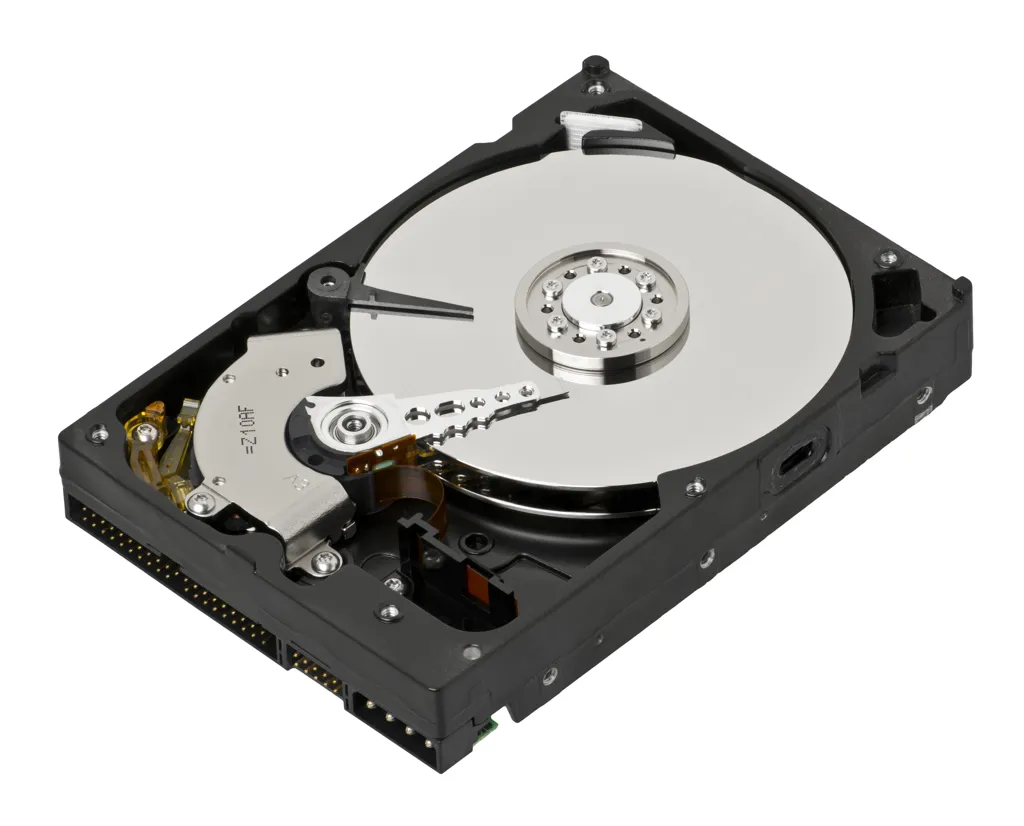
I have a loose hard drive from an older PC that may contain those missing 2015 screenshots, but I seem to have lost my external hard drive interface for old hard drives, so I need to order another.
Anyway, don’t lose your screenshots!
UPDATE: I found my external drive interface, and I found the missing 2015 screenshots! Including the exact one I was looking for. Which, it turns out, I had already uploaded once before.

However, the search continues for screenshots before 2013.
Leave a Comment
This is a homegrown DIY comment system I've been working on. It works but technically you're beta testing it. Good luck. Go here to enter a comment on this post without Javascript.